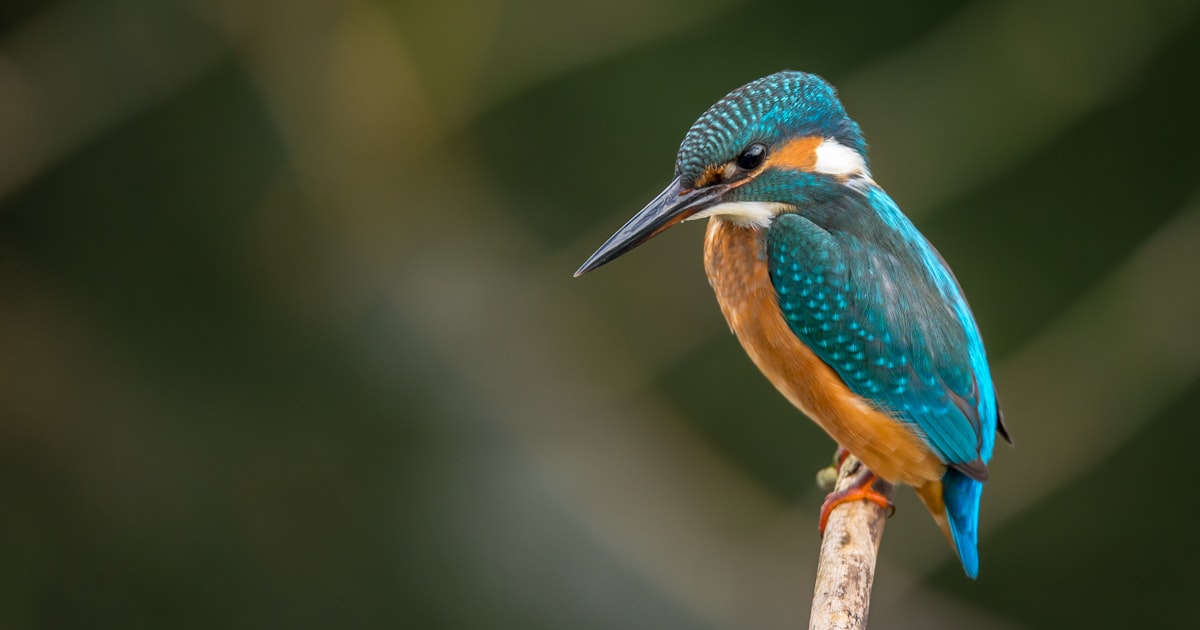
Identify Every Bird and Flower in Your Garden with These 2 FREE Apps
Is That a Robin or a Finch? Identify Every Bird and Flower in Your Garden with These 2 FREE Apps
Turn your morning coffee on the porch into a nature documentary. No heavy books required—just your phone!
"Hey Maurice, what kind of bird is making that noise?"
Grandma asked me this last weekend while we were sitting on the back deck. Usually, I'd shrug and say, "Maybe a sparrow?" But this time, I pulled out my phone, tapped a button, and within ten seconds, we knew it was a Carolina Wren.
She was amazed. "How did it know just by listening?"
That's the magic of AI (Artificial Intelligence) again! But unlike the scary stuff you hear on the news, this kind of AI is helpful, fun, and totally free.
If you love spending time in your garden, you need these two apps. They are like having a nature expert in your pocket, 24/7. And the best part? Neither of them costs a dime.
1. For the Birds: Merlin Bird ID
What does it do?
It identifies birds by their songs or by their picture.
Why it's magical:
The "Sound ID" feature is incredible. You just press a big red microphone button, and as birds sing around you, their names pop up on the screen in real-time! It even shows a photo of the bird so you can verify it.
Why Maurice Loves It:
- Created by Cornell University: It's scientific and safe. No spammy ads.
- Big Photos: The bird photos are clear and beautiful.
- Works Offline: Once you download your local "bird pack," it works even if your internet is spotty in the backyard.
🦜
Difficulty Level
Easy
Just push "Record"!
2. For Plants & Bugs: Seek
What does it do?
Point your camera at anything living—a flower, a mushroom, a bug, or a tree—and it tells you what it is instantly.
Why it's magical:
You don't even have to take a picture! You just point your camera like you're filming a video. As you get closer or change the angle, blue dots appear on the screen, and then—BAM!—it says "Monarch Butterfly."
Why Maurice Loves It:
- No Account Needed: You don't have to give them your email or create a password. Just open and use.
- Kid-Safe: It's designed to be safe for all ages (great to use with the grandkids!).
- Challenges: It has fun monthly challenges like "Find 5 different types of trees."
🌿
Difficulty Level
Very Easy
Like using a magnifying glass.
How to Get Them (Step-by-Step)
For iPhone or iPad:
- Look for the blue App Store icon (it looks like an 'A').
- Tap the Search button at the bottom right.
- Type in "Merlin Bird ID" or "Seek by iNaturalist".
- Tap Get. (FaceID or your password might be needed).
For Android (Samsung, Google, etc.):
- Look for the colorful triangle icon called Play Store.
- Tap the search bar at the top.
- Type in the app name.
- Tap Install.
Try it this weekend!
Next time you're watering the roses or having your morning tea, take your phone with you. You might discover that the "brown bird" you've seen for years has a very fancy name!
Happy exploring!
Love, Maurice 🧢